WPWeb Social Network Integration Documentation
To get your GitHub Application details, visit the GitHub Developer Settings.
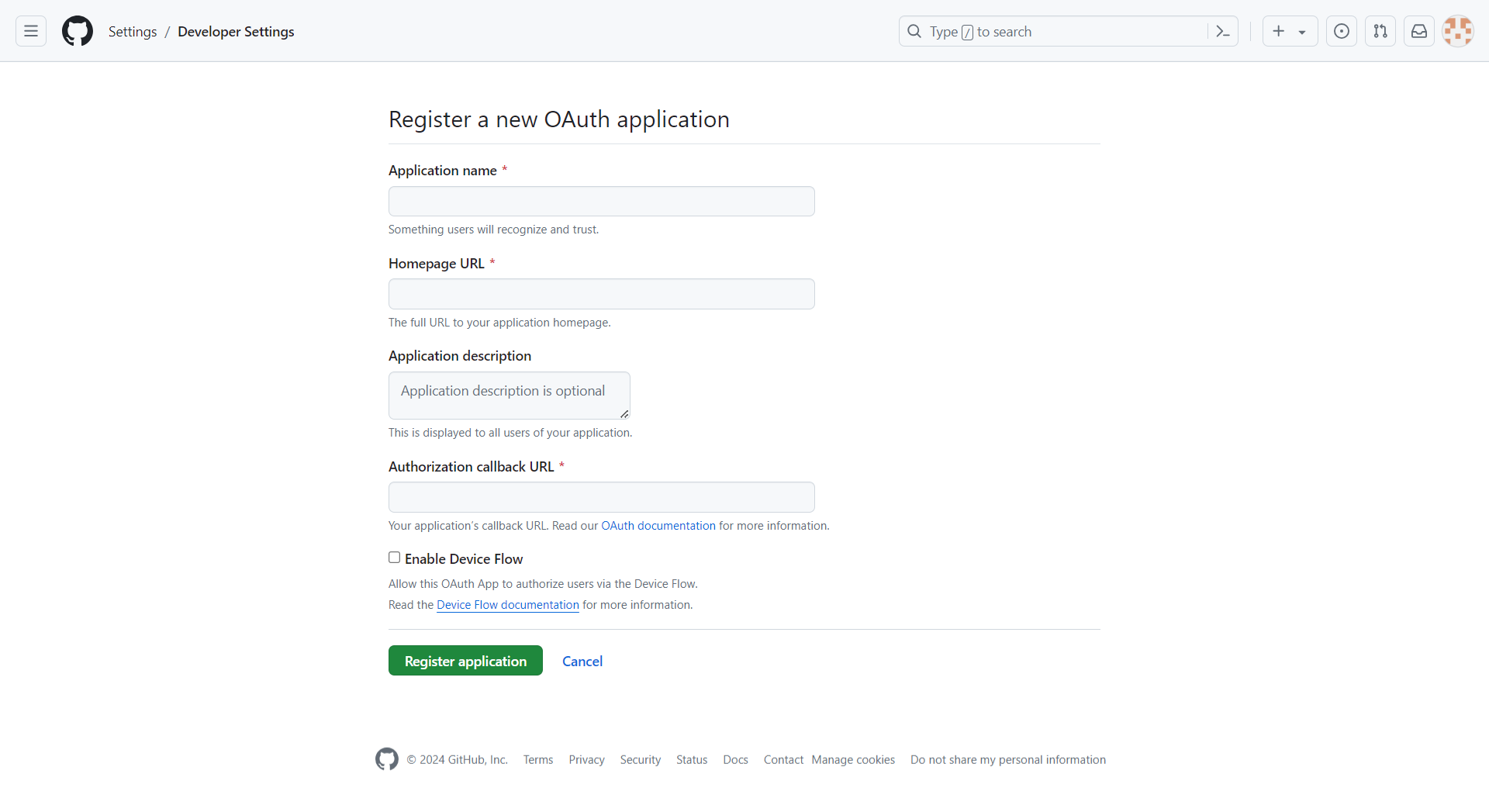
You need to be logged in to your GitHub account to create a GitHub Application. First, log in to your GitHub account and open the link provided above. The page will look similar to the image shown below.
Application Name
Enter a name for your application. Do not start the name with Git, as this may cause an error.
Homepage URL
Enter the website URL where you want to use GitHub Social Login.
Application Description
Enter a brief description of your application.
Authorization Callback URL
Copy the callback URL from the GitHub Social Login settings in WordPress and enter it here.
Once you have entered all the required information, click Register Application. Your GitHub Application will then be ready to use.
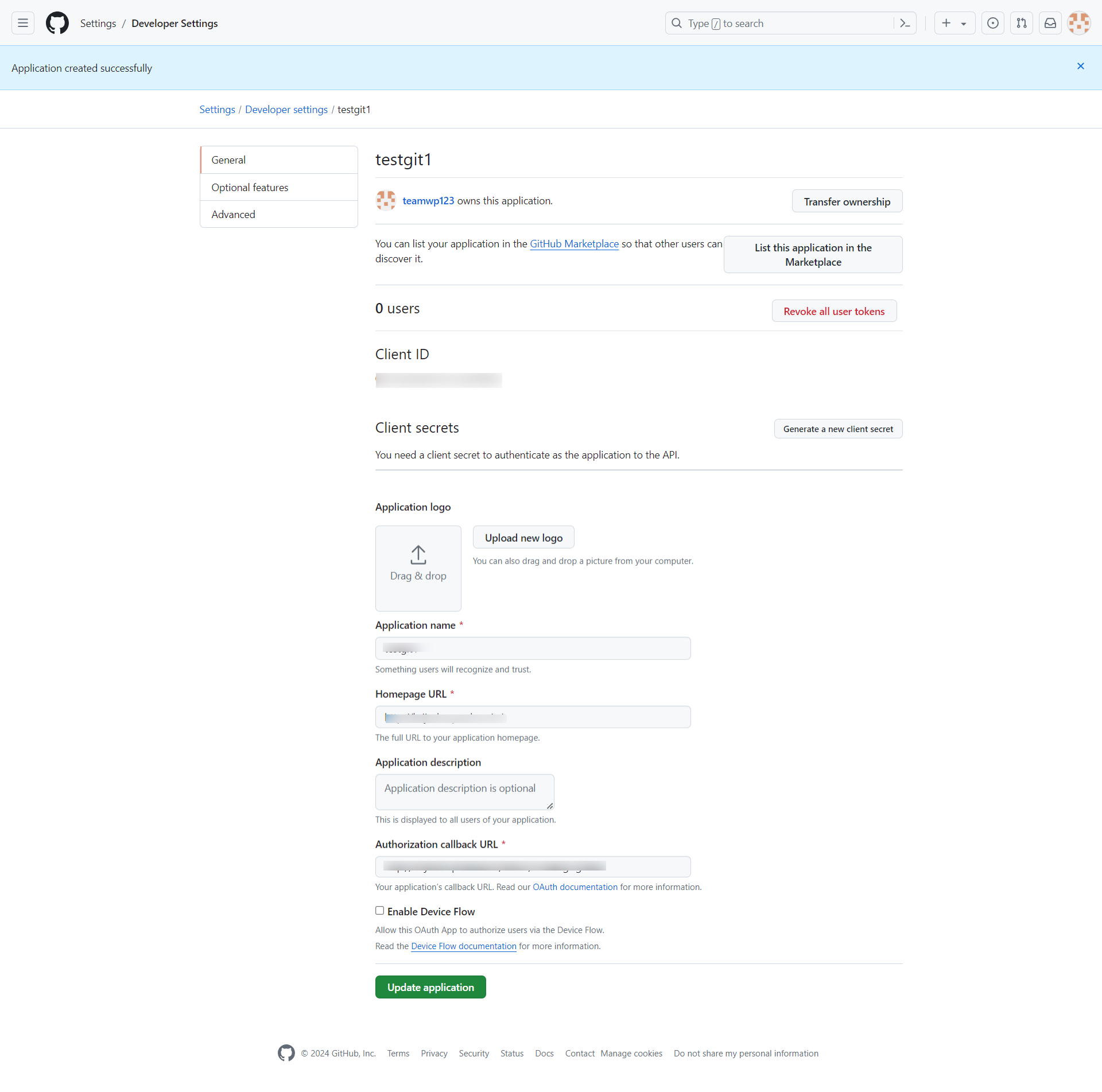
You can use the Client ID in the WordPress Social Login settings.
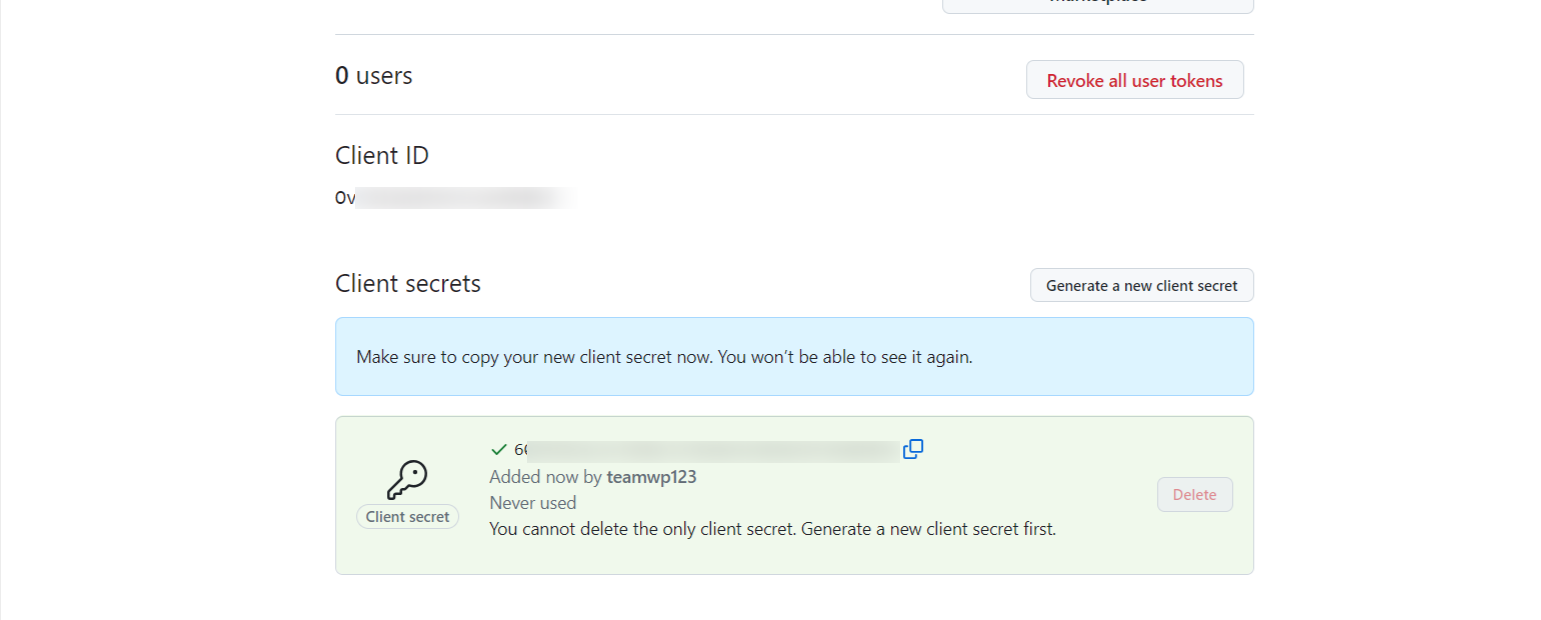
Click Generate a New Client Secret to generate a new Client Secret.
Copy the Client ID and Client Secret and enter them in the GitHub App settings within the plugin settings page, as shown in the image below.